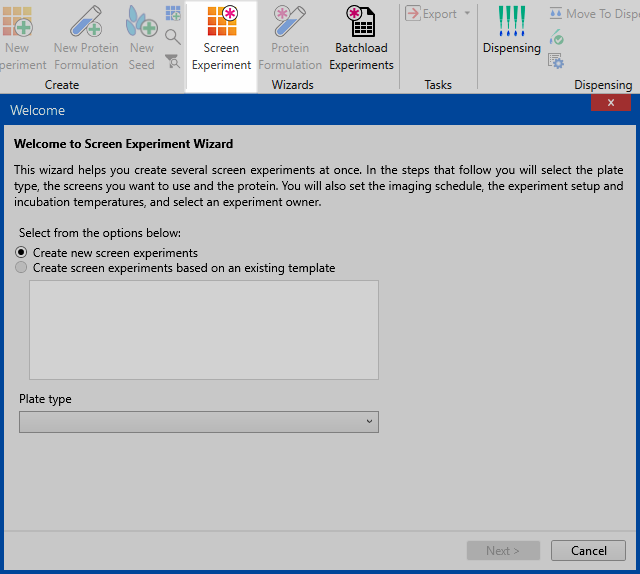
The screen experiment wizard allows you to quickly set up several screen experiments at once. When you go through the wizard, you will be asked various questions about experiment setup. At the end, Rock Maker will generate as many experiments as you specified in the wizard, depending on the number of screens you included in the wizard.
Screen Experiment Wizard
The wizard will ask you for the following information:
Plate type — You must use the same plate type for all experiments created in a single wizard session.
Screens — The well volume will populate with the default volume of the plate and you can select the available screen lot accordingly.
Protein(s) — You can select different proteins, but you may only use as many proteins as the number of drops at a well. For example, if you are using a two-drop plate, you may only select two proteins.
Setup Temperature, Incubation Temperature, and Owner
Imaging Schedule — You may only select a schedule here that will be applied to all experiments. To customize a schedule, you must go into the experiment after it has been created.
Review Experiment(s) — You can determine the location of your screen experiment and name it accordingly.
If you have a set of screens you prefer to use when you screen a protein, you may want to go through the wizard and save the settings as a template for future use. You will be presented with this option towards the final steps of the wizard.
 in the Wizards group on the Home tab, and follow the on-screen prompts.
`
Once you have templates stored in your Screen Experiment Wizard database, you can delete or rename them by right-clicking anywhere in the templates box.
 | |
| RMC-V310R117 |