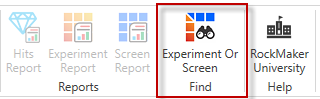
Find Experiment or Screen is a tool that lets you quickly search the Rock Maker database for all experiments or screens. The button to open this tool is on the Home tab, in between Reports and Rock Maker University.
Find Experiment or Screen button
When you open the Find Experiment or Screen tool, a new tab opens in the main workspace area. You are presented with a Search Text box, several Search Target options, and a Search button.
Rock Maker will search the following databases for text matching the text you type into the Search Text box:
Plate ID
Experiment ID
Project Name
Experiment Name
Plate Name
Owner
Barcode
Date Prepared
You can then click on any header row to sort by that category.
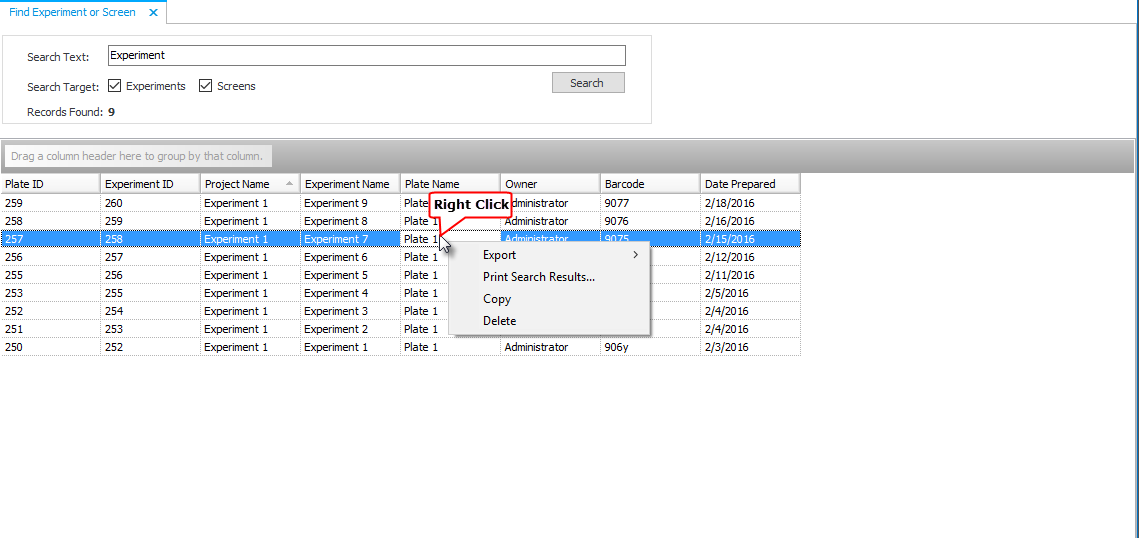
Find Experiment or Screen results table example with right-click

|
|
| RMC-V310R117 |