 .
. If you encounter abnormal activities in your system, especially for fatal errors or errors without warnings, you can use the Log Packages feature to report the error to the FORMULATRIX support team. This feature provides error logs for the support technicians in solving the issues.
. 
Clicking the Report Error Button
Tip: The Report Error button is usually located at the bottom left of the page. You can move this button by dragging it to your preferred location in the current page.
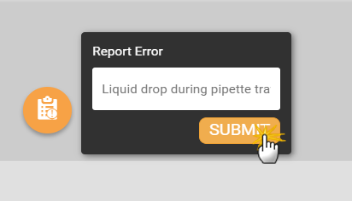
Creating a Log Package
 .
.
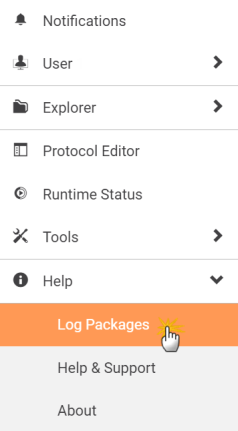
Accessing the Log Packages Page

Selecting Multiple Log Packages
 to download the files in the .zip format. The multiple log packages are downloaded in a single .zip file containing multiple folders in it.

|
|
| FLOWH-V26R124
|
Unit 6, Level 13, Gate District, Gate Building Dubai International Financial Centre |