Important: The Import/Export Dispense List Files functionality is only available if you activate the User Management license and enable the User Control option in the Options menu. For more information, see User Management and Using the Options Menu or contact support@formulatrix.com for further assistance.
MANTIS software can import/export dispense list files between MANTIS systems, or import dispense list files generated via 3rd party software. To manually define your dispense list, follow the format in the Direct Generation of Dispense List Files section.
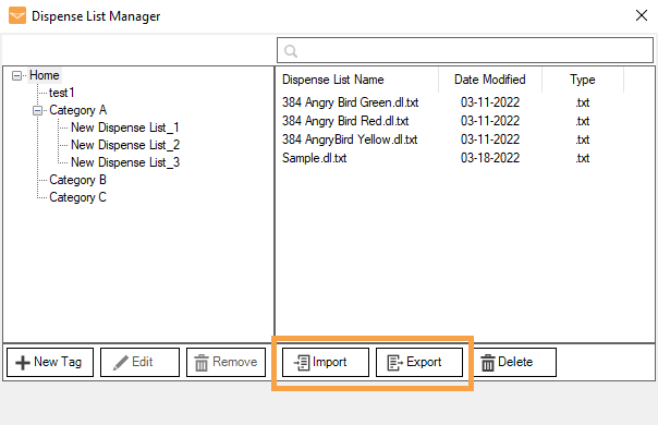
To access the Import and Export Dispense List feature, go to the File menu, and select the Dispense List Manager option. Follow the instructions below to import and export the dispense list file.
Import and Export Dispense List Buttons
 Import Dispense List File
In the Dispense List Manager window, click the Import button.
Locate the .dl.txt file in your local drive, then click Open. You can select one or multiple dispense list files at once.
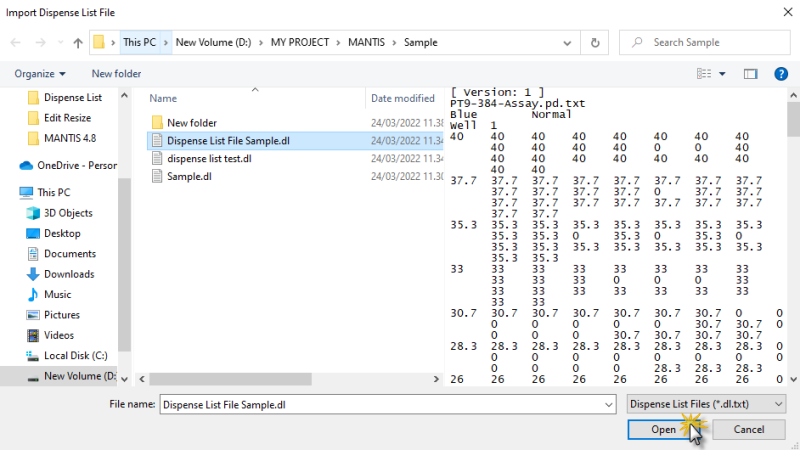
Select a File to Import
Note: MANTIS will automatically prompt you to rename the file that already exists. Special characters, such as ,.;:'|/\&^*-?!()[]{}=#$+"%<>~ are not allowed. Click OK to proceed.
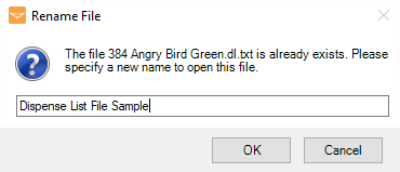
Rename the Existing File Name
The imported dispense list will be saved under the Home category of Dispense List Manager. You can manage the files by moving them to the category of your choice. See Modifying Dispense List Category for more information.
Once imported, load the dispense list by clicking on the Open Dispense List button on the Dispense List Designer.
Export Dispense List File
In the Dispense List Manager window, navigate the Tags structure to locate the dispense list(s) you wish to export. You may select multiple dispense lists for a single export action.
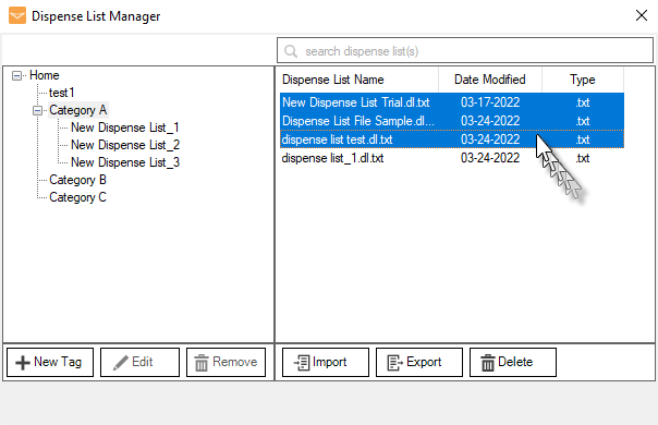
Select Multiple Dispense Lists
Click the Export button.
Select the location to which you would like to export your files. You may create a new folder from the Browse for Folder window.
Note: If your exported file already exists in the selected directory, a warning message will appear to prompt you to overwrite the file. Click OK to proceed or select another file to export.
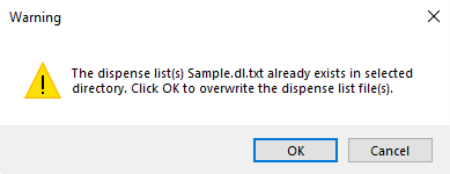
Warning Message to Overwrite the Dispense List File
The dispense list will be automatically saved to your defined location. Click OK to confirm.
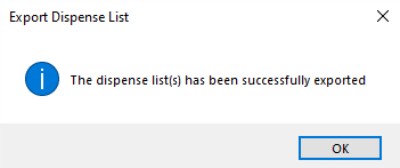
Click OK to Confirm

|
|
| MAOWH-V5R124 |