 in the Plate View Type list.
There are three ways to view your plate dispense design using the Mantis software: Designer View, Summary View, and Volume Error View.
Summary View displays the total volume to be dispensed to each well. The example image below shows the total volume to be dispensed to the plate for a dispense list containing two reagents.
To activate Summary View, click the Summary View mode buttonin the Plate View Type list.
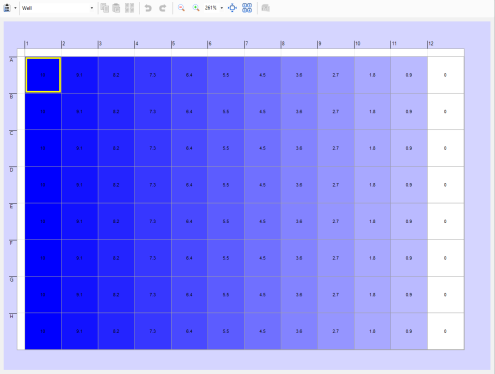
Summary View
Note: If you are in Summary View, you cannot edit your dispense list. You must be in Designer View to make changes.

|
|
| MAOWH-V54R126 |