System Overview
System Overview is the home page of the ROCK IMAGER® software. It provides a concise overview of the ROCK IMAGER® software and hardware to help you understand the imager activity and the current status, including the disk space, imager, storage, temperature, and load port.
Each module in the System Overview shows an indicator whose color changes depending on the activity. Here is what each color means.
- Green: The system is idle or in a normal state.
- Yellow: The system is working.
- Red: The system is experiencing an error.
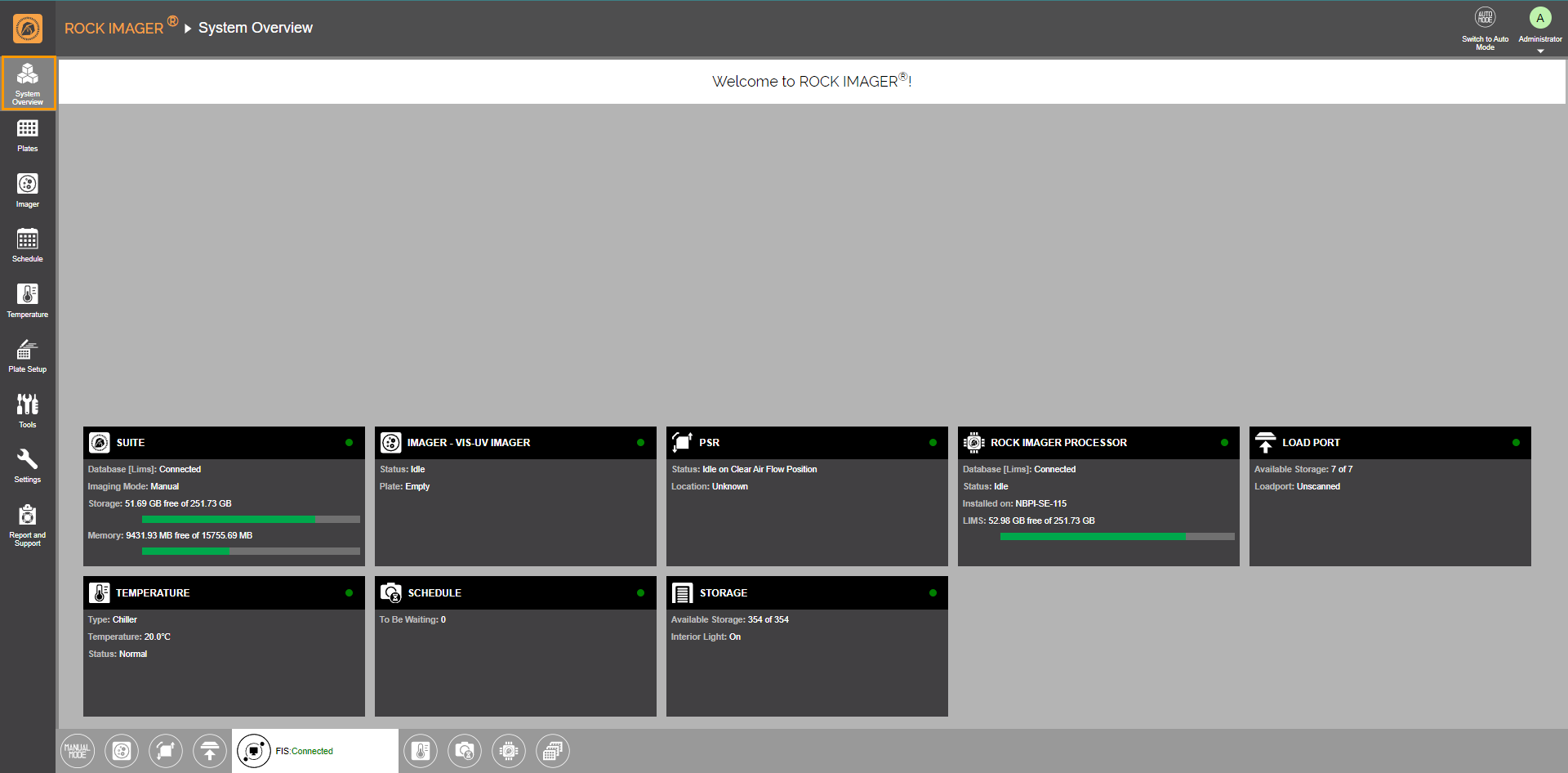
System Overview
See the table below to learn more about the panels in the System Overview.
| Item | Description |
|
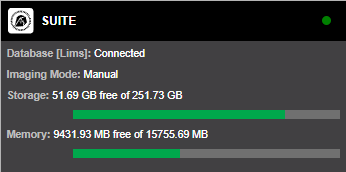
SUITE |
Informs:
|
|
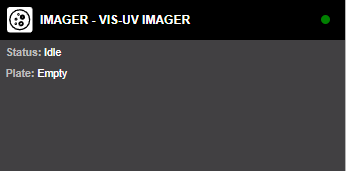
IMAGER |
Informs you of the imager and plate status. Below are possible imager statuses.
When a plate is on the imager, the barcode is displayed instead of Empty. |
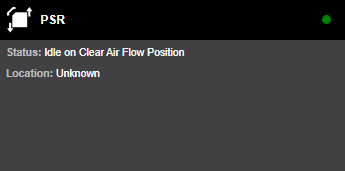
PSR
|
Informs you of PSR’s (also called robot arm) status and position. The following are the possible statuses.
Below are possible PSR positions.
|
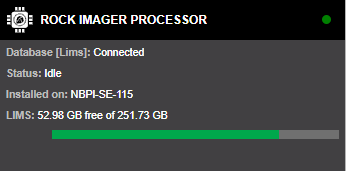
ROCK IMAGER PROCESSOR
|
Displays the following ROCK IMAGER Processor (RIP) information.
|
|
LOAD PORT |
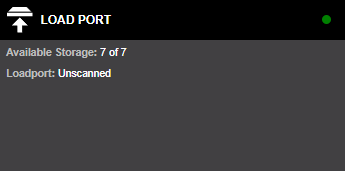
Informs you of the available hotel slots in the Load Port and the status (Open, Secured, or Unscanned) of the Load Port Door. |
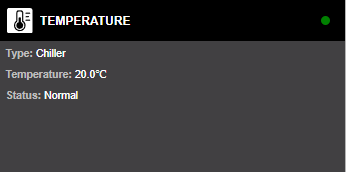
TEMPERATURE |
Displays the following temperature controller information.
|
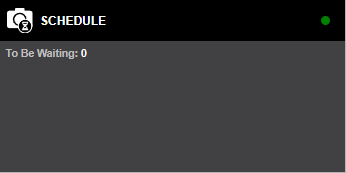
SCHEDULE |
Informs the number of plates scheduled to be imaged. |
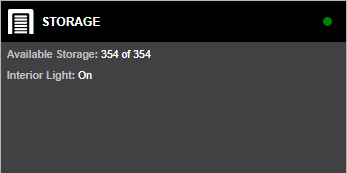
STORAGE |
Displays the following storage information.
|
Related Topics

|
|
| RIOWH-V43R425 |