Rock Maker Control Panel
Rock Maker Control Panel is now available, offering easy access to service updates and Windows settings. Accessible from the Windows tray, Rock Maker Control Panel runs automatically when the PC starts.
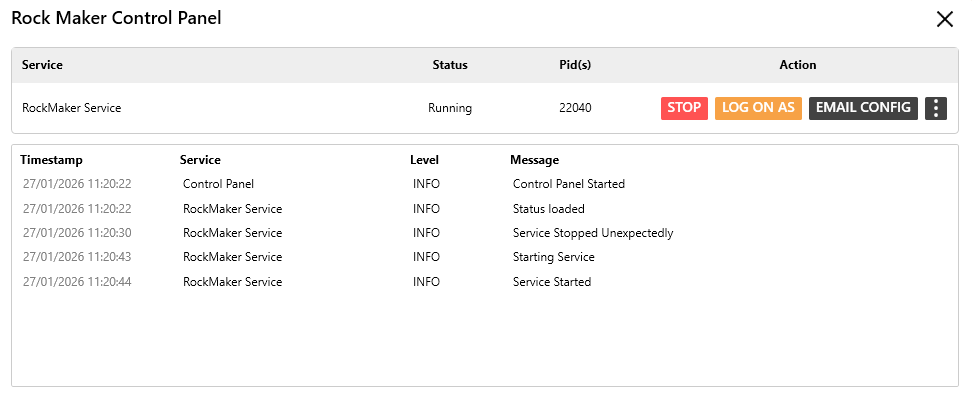
Rock Maker Control Panel
Note
If your ROCK MAKER is inaccessible, check the Service section in the Rock Maker Control Panel. If the Status is Stopped, click the START button under Action.
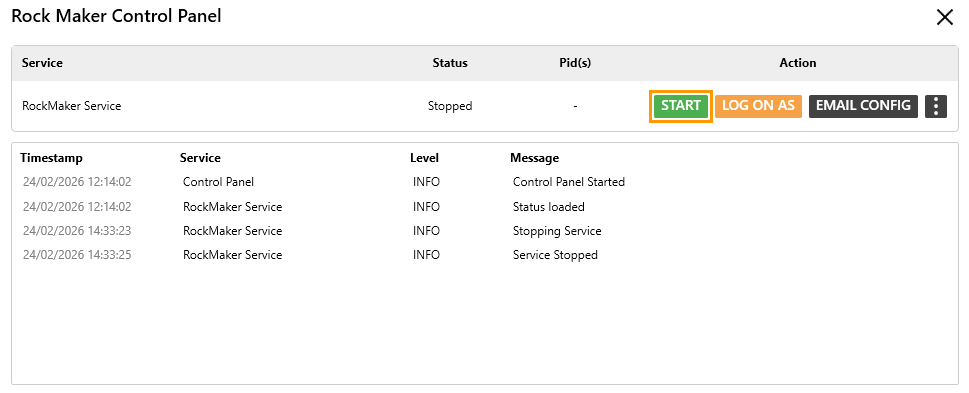
START Button
Rock Maker Control Panel includes the following features, each with its own functions.
Field |
Description |
|---|---|
Service |
Displays the service name: RockMaker Service. |
Status |
Displays the current service status. There are 2 statuses.
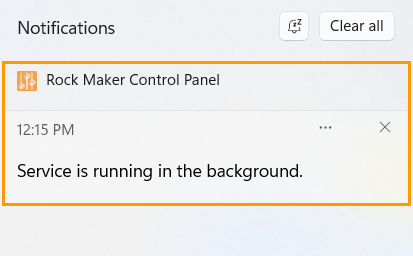
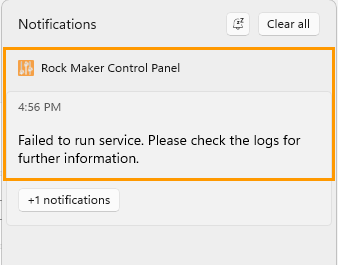
You can also view the status through the Rock Maker Control Panel notifications in the Windows Notifications panel, accessible through the Calendar in the Windows tray.
|
Pid(s) |
Displays the ROCK MAKER Process ID. |
Action |
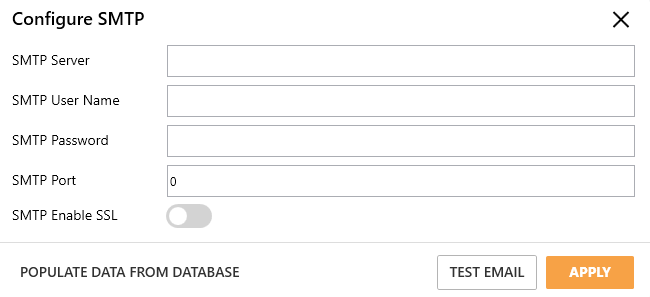
Allows you to perform the following tasks.
|