Creating a Protocol
To run an experiment, you must create a protocol by defining labware and creating profiles on the Editor page. Alternatively, upload your labware and profile data in CSV files using the Import feature.
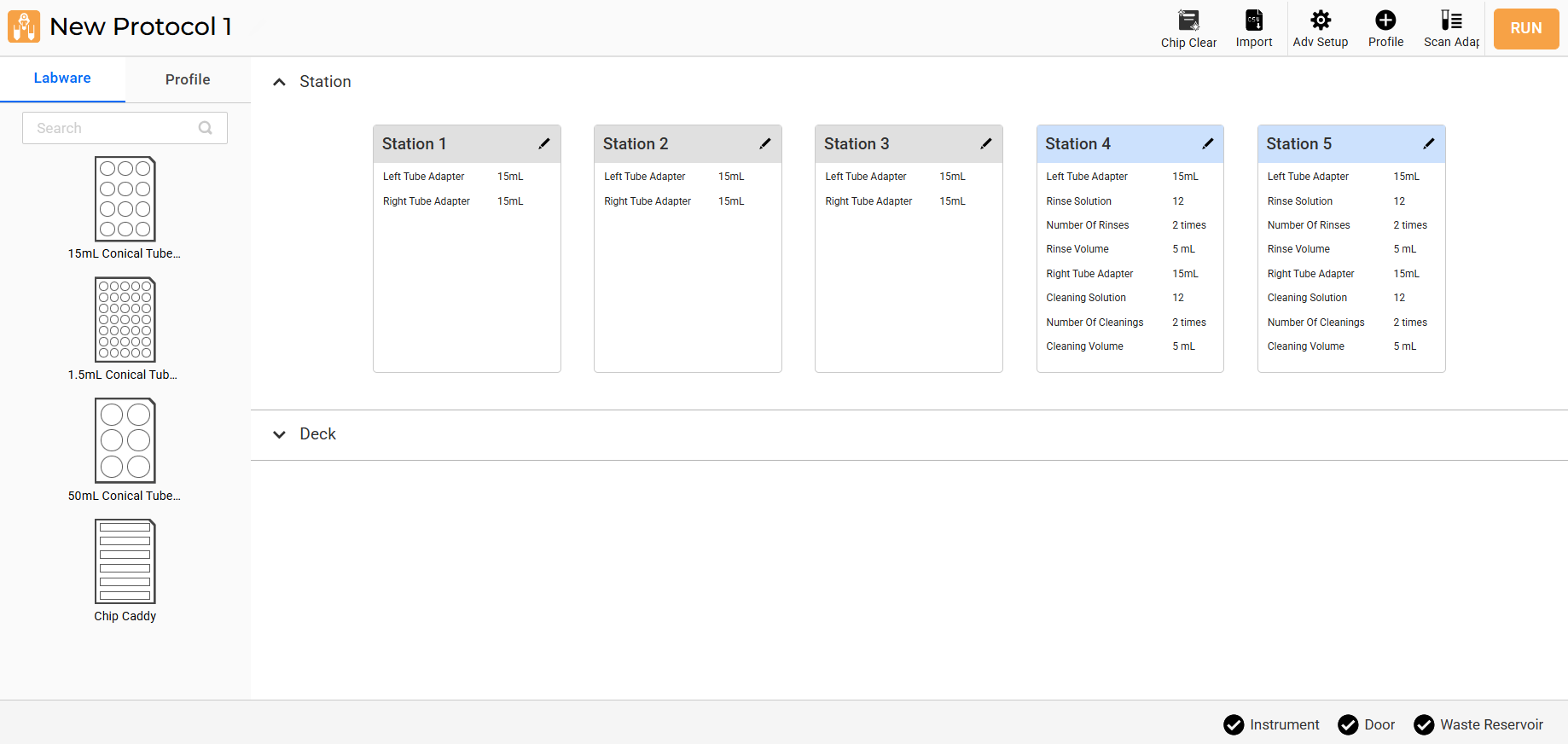
Editor Page
Follow the steps below to create a new protocol on the Editor page.
Prerequisite:
You have set up the aµtoPULSE.
To create a protocol:
On the Explorer page, choose from the following options:
Click the Add Protocol and OPEN buttons accordingly.
Double-click the Add Protocol.
Click the Editor menu.
Note
If you previously opened an existing protocol, the Editor page will display the latest opened protocol, not create a new one.
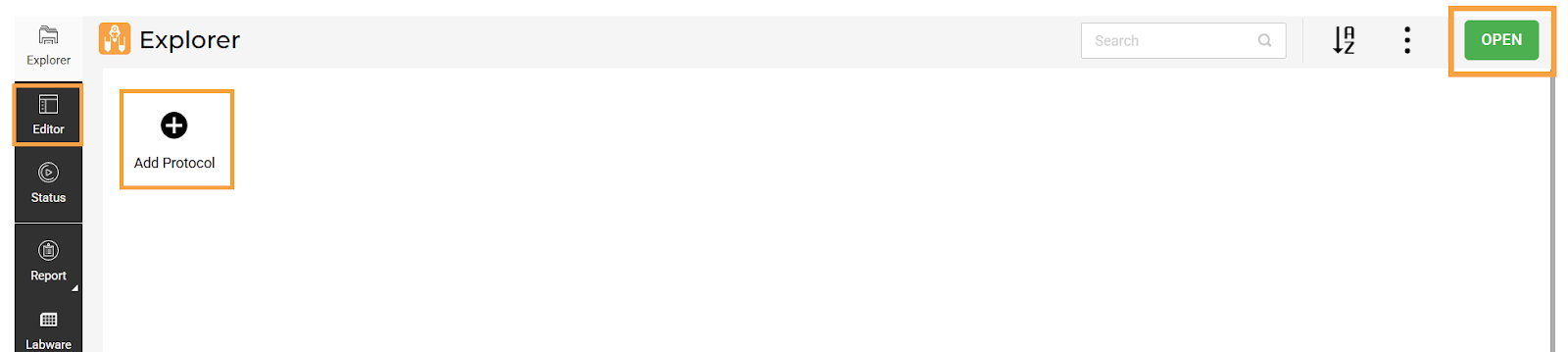
Options in the Explorer Page
OPTIONAL: On the Editor page, click the provided field to rename the protocol.
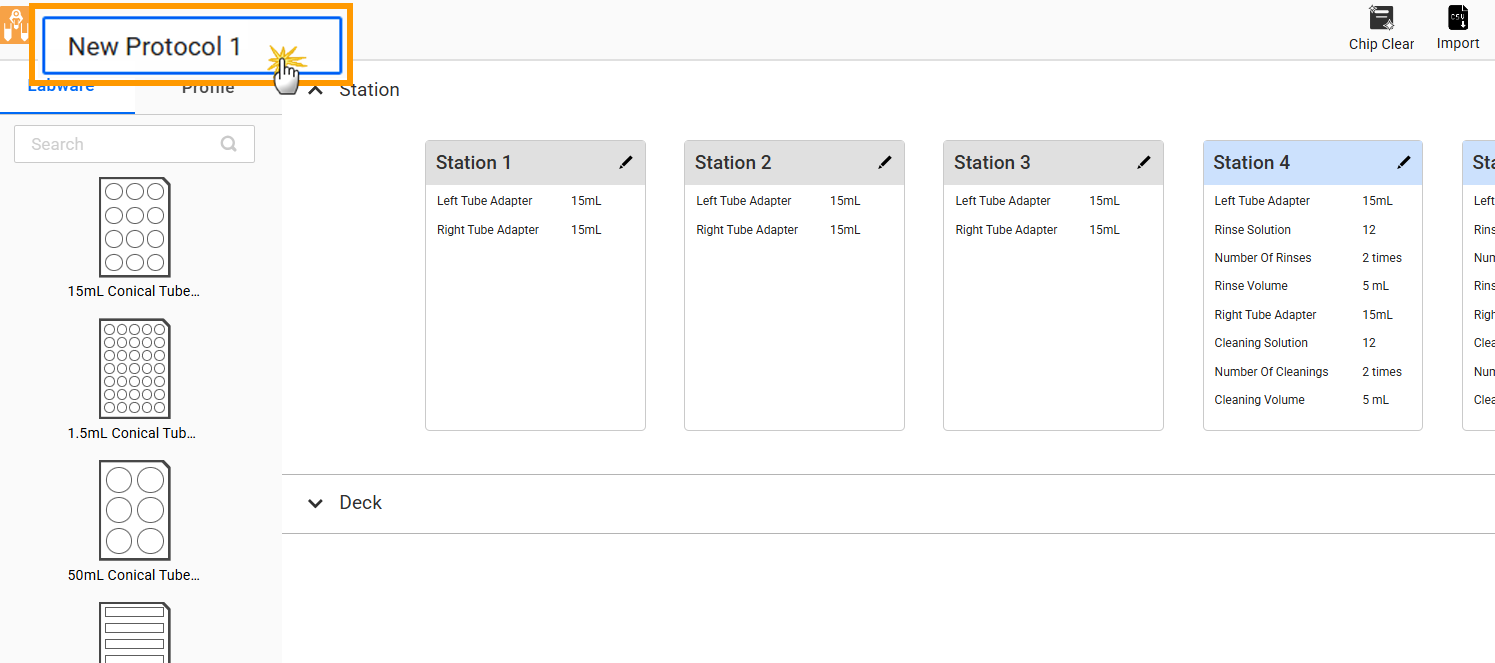
Editing Protocol Name
Begin designing your protocol by following the instructions below:
OR
All existing protocols are accessible from the Explorer page. You can organize the protocols alphabetically, modify the protocol name, remove obsolete protocols, and import/export protocols. For more information, see Software Overview.
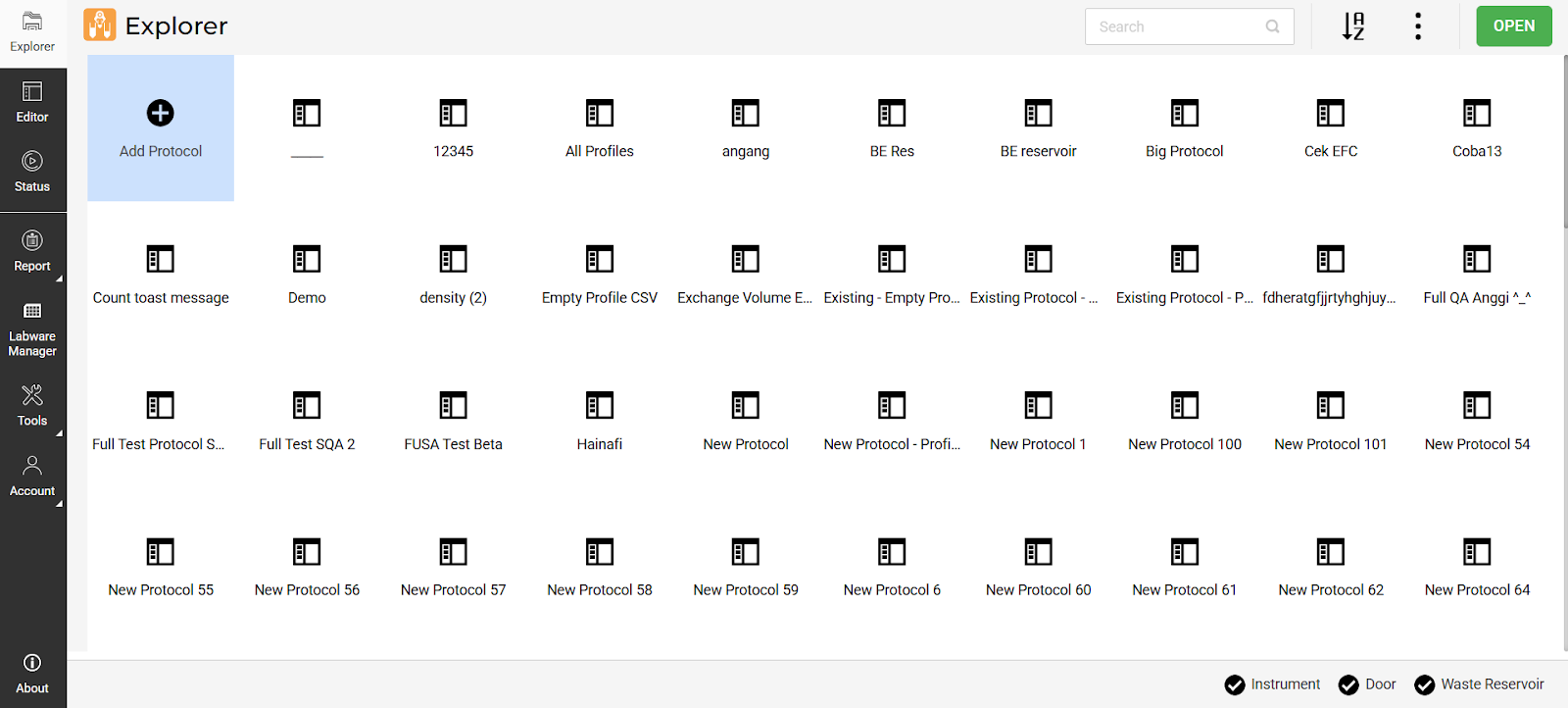
Existing Protocols in the Explorer Page