Adding a Cell Line to the Library
The Cell Line Library is a database that stores information about the cell lines utilized within the system. You must add the cell lines to the library before designing your experiments.
When registering a cell line, you can add some details about it, such as how fast it grows, how many cell density per cm2, what organism and tissue it comes from, and what shape or disease it has. These details help you plan and understand your experiments.
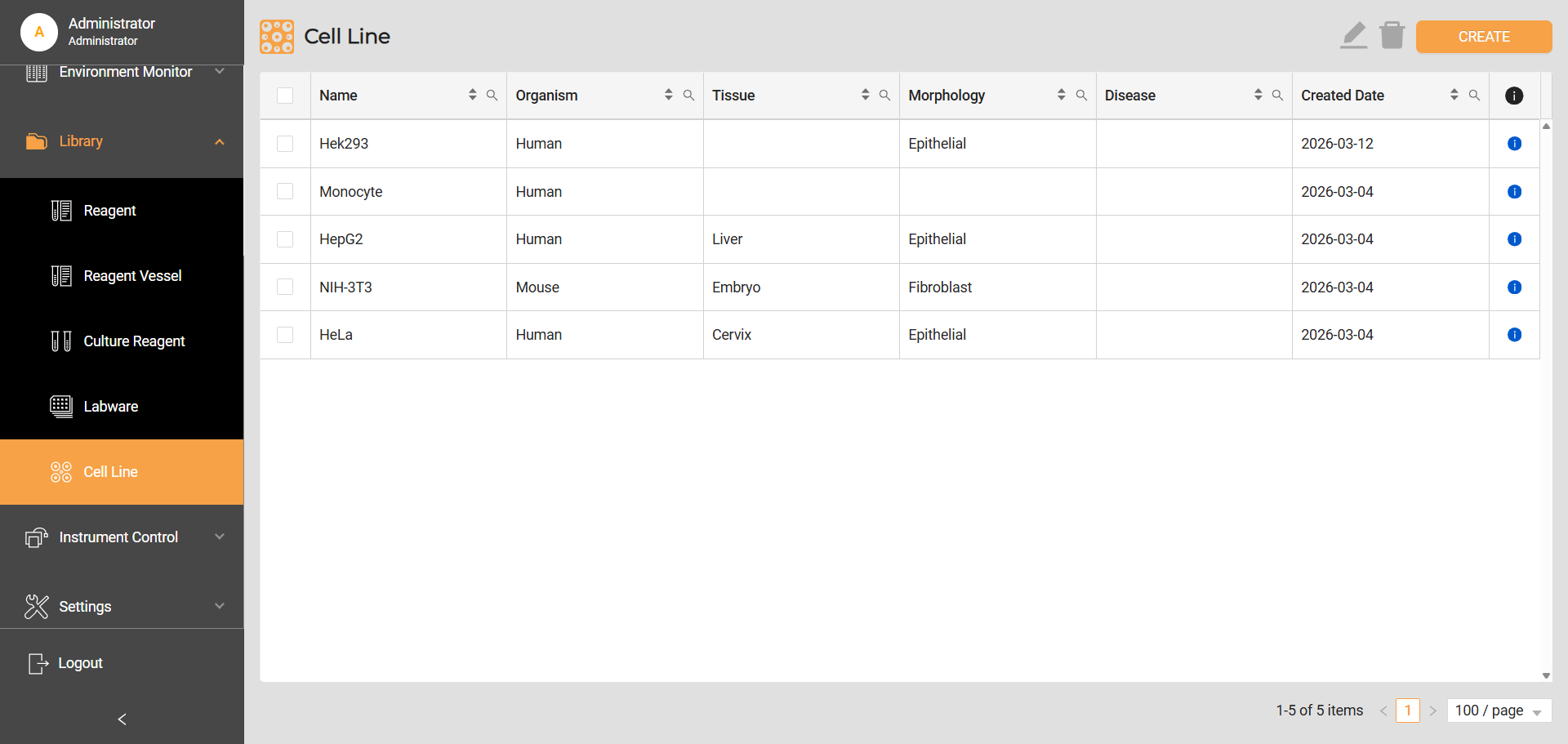
Cell Line Library
To add a cell line to the library:
Go to Library > Cell Line, and click the CREATE button.
On the Create Cell Lines page, fill in the required information about the cell lines. The fields with a red asterisk ( * ) are mandatory.
Click SAVE to store the information and add the cell line to the library.
Related Topics