Plate History
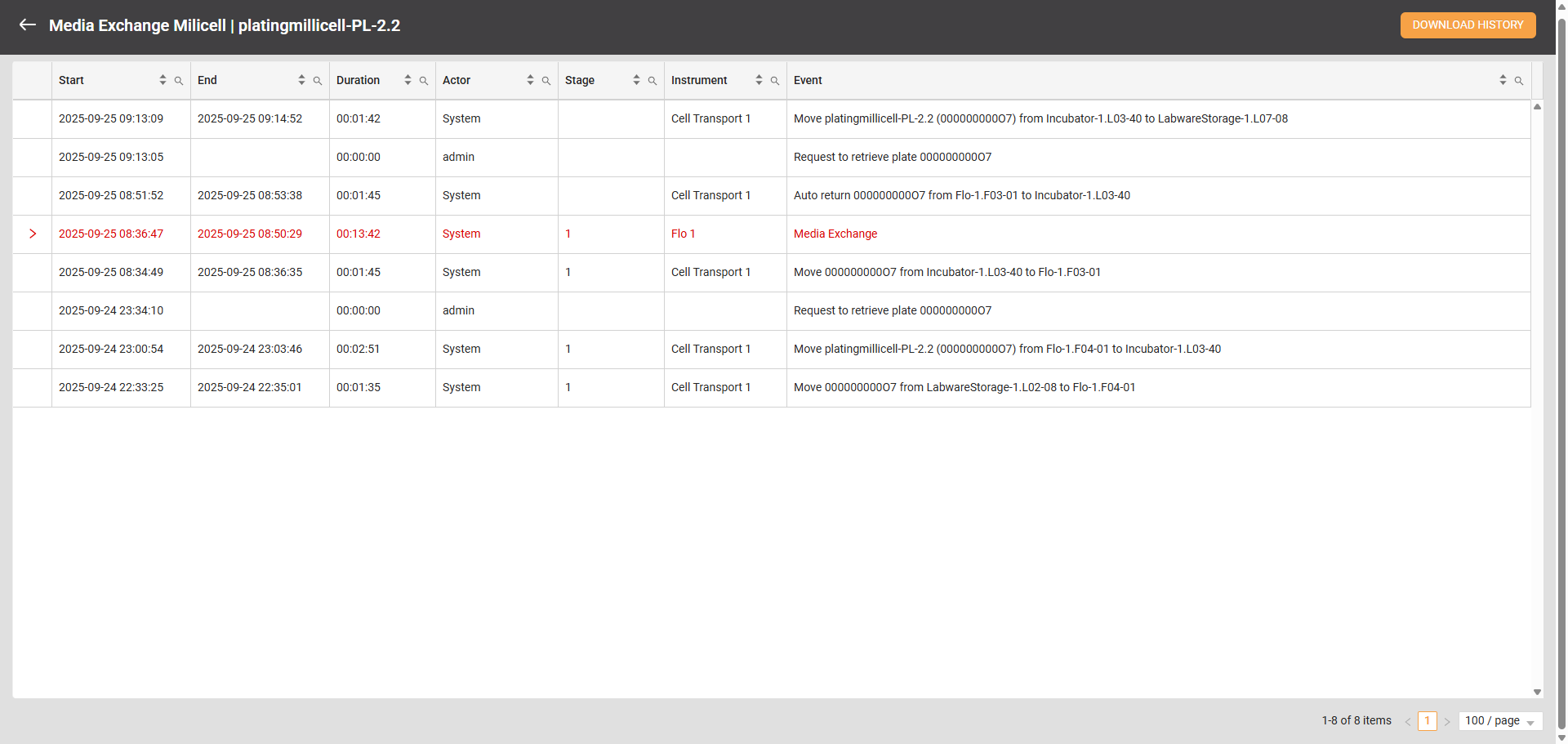
Plate History
The Plate History page records all plate activities, including the duration of executed tasks, the stage being executed, the instrument used, the event or task being performed, and more. This comprehensive history allows users to monitor a plate’s complete life cycle from day one.
To access the Plate Report page:
Navigate to Cell Experiments > Experiments.
Select the experiment on the Folder Tree panel. The right column should show its details.
In the Active Labware table, hover over the Three Dots icon in the far right column and select View History. The Plate History page should open, displaying a comprehensive list of all activities performed by the plate.
Related Topics