Incubator
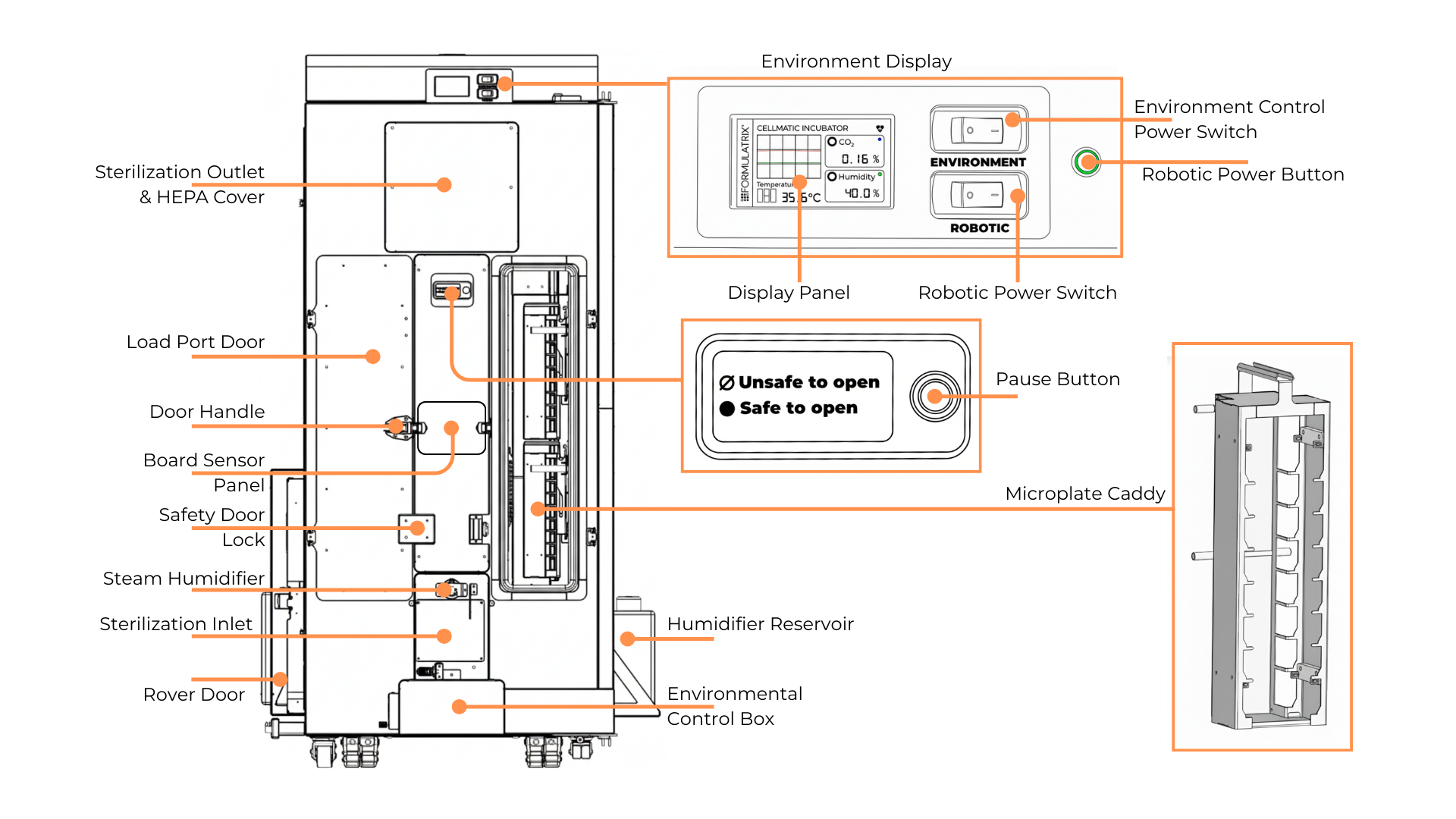
The Incubator Parts Overview
The Incubator holds up to 216 SBS plates and supports cell growth by maintaining user-defined conditions of temperature, humidity, and CO₂ levels through the Cellmatic Suite Software. Labware placed in the Incubator typically contains cells requiring controlled incubation to maintain their growth and viability. Before being stored or transferred by a Rover, the labware is registered in the Cellmatic Suite, loaded through the port with a microplate caddy, and scanned by the elevator.
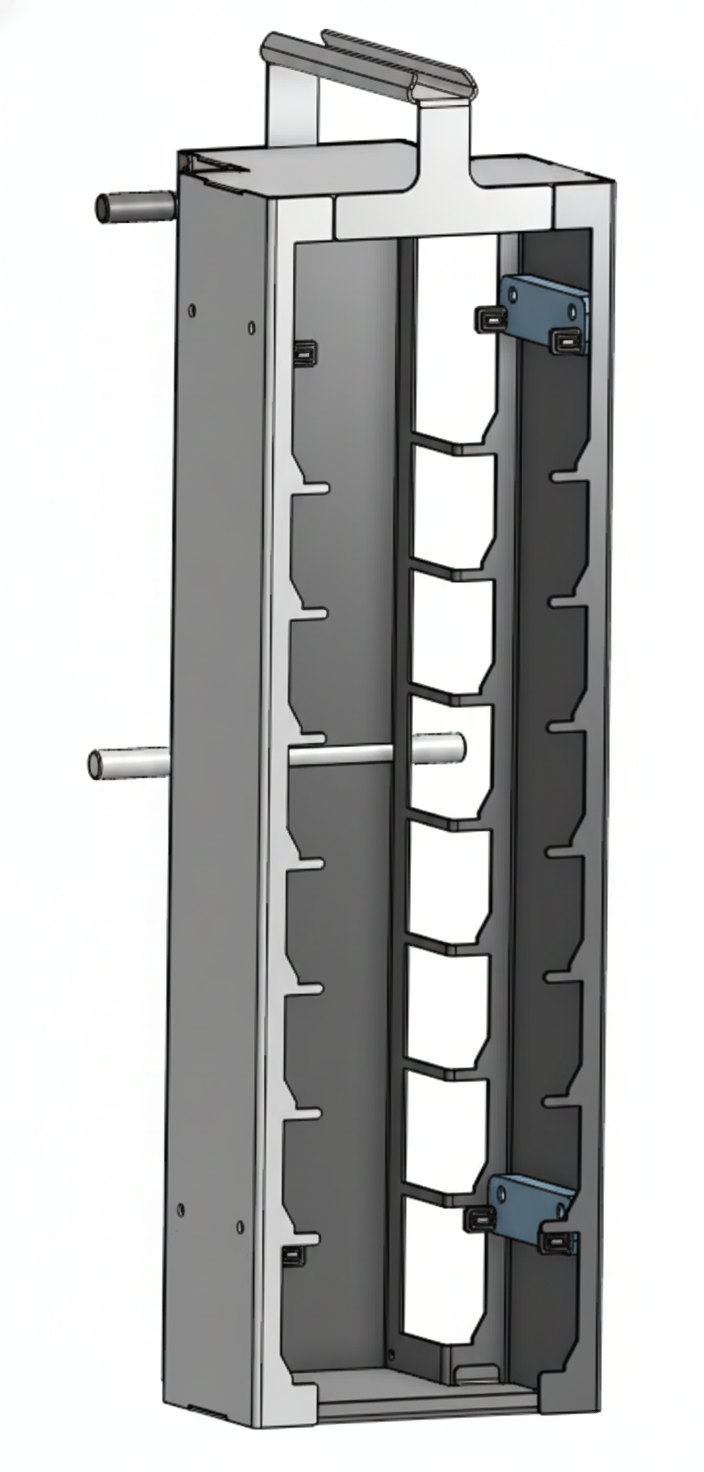
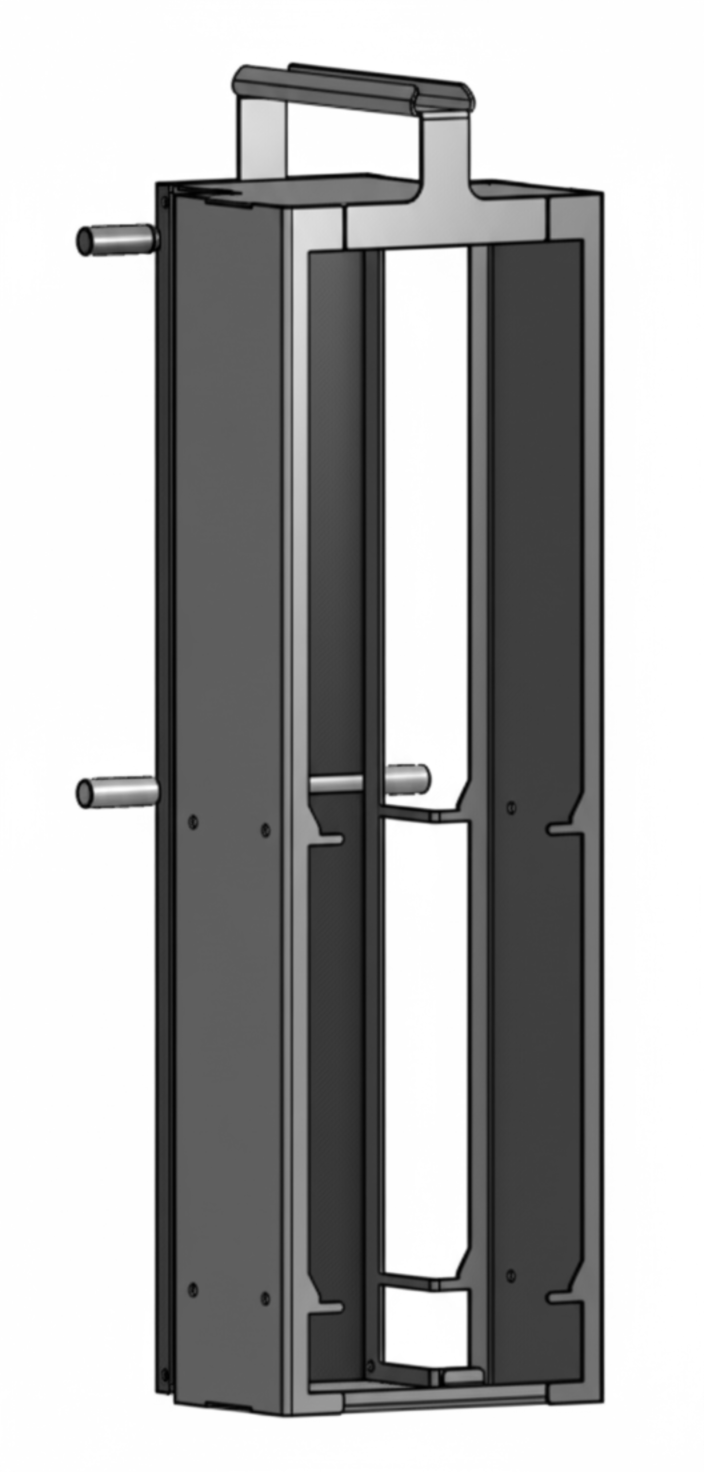
There are two types of caddies you can use in the Incubator, each supporting different types of labware as listed below:
Type |
Capacity |
Image |
|---|---|---|
Microplate |
8 plates/caddy |
|
Falcon Tube Rack |
2 falcon tube racks/caddy |
|
To maintain the required environment for cell growth, the Incubator is equipped with an external humidifier reservoir and CO₂ tank. The Cellmatic user is responsible for connecting, monitoring, and maintaining both. Alternatively, in-house systems for distilled water and CO₂ can be plumbed directly to the Incubator.
Buttons on Incubator
Button |
Function |
|---|---|
Environment Control Power Switch |
Turns ON/OFF the environment (temperature, humidity, and CO2 concentration control) and enables the power line to the robotic system. Make sure the Environment Control Power switch is ON before activating the robotic system. |
Robotic Power Switch |
Enables/disables the power line to the robotic system. |
Robotic Power Button |
Turns ON/OFF the robotic system.
|
Pause Button |
Indicates the system’s operating mode (automatic or manual) and shows the safety condition.
|
Related Topics: