Moving Labware
Go to Inventory > Labware and mark the checkbox to select a labware.
Hover over the Three Dots
 in the top right corner and select Move Labware.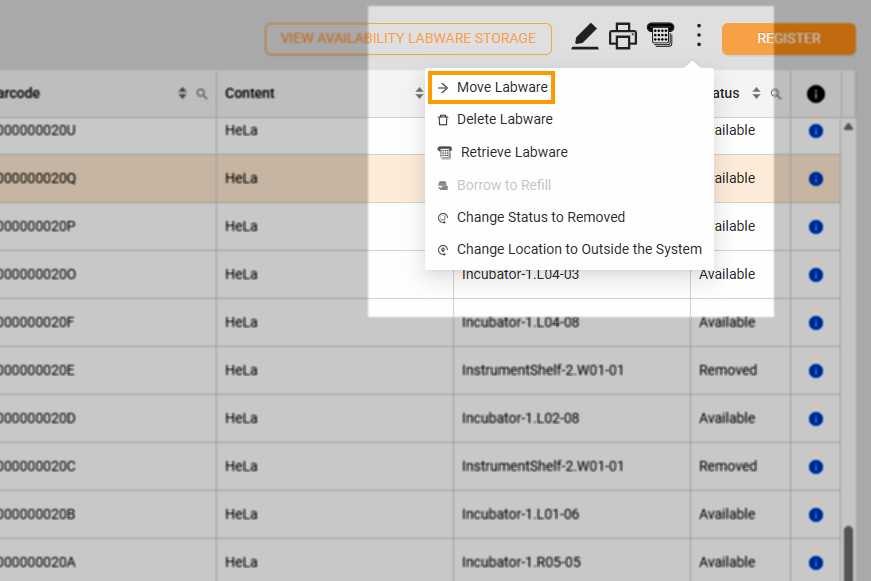
Move Labware
On the Move Labware Option window, select the destination and the slot for the labware and click OK. Ensure the deck size matches the labware type.
Related Topics: - Borrowing Labware - Returning Plate - Going to the Next Stage