Adding a Reagent to the Library
The Reagent Library is a database of reagent ingredients to create culture reagents. You must define reagents in this library before adding items in the Culture Reagent Library.
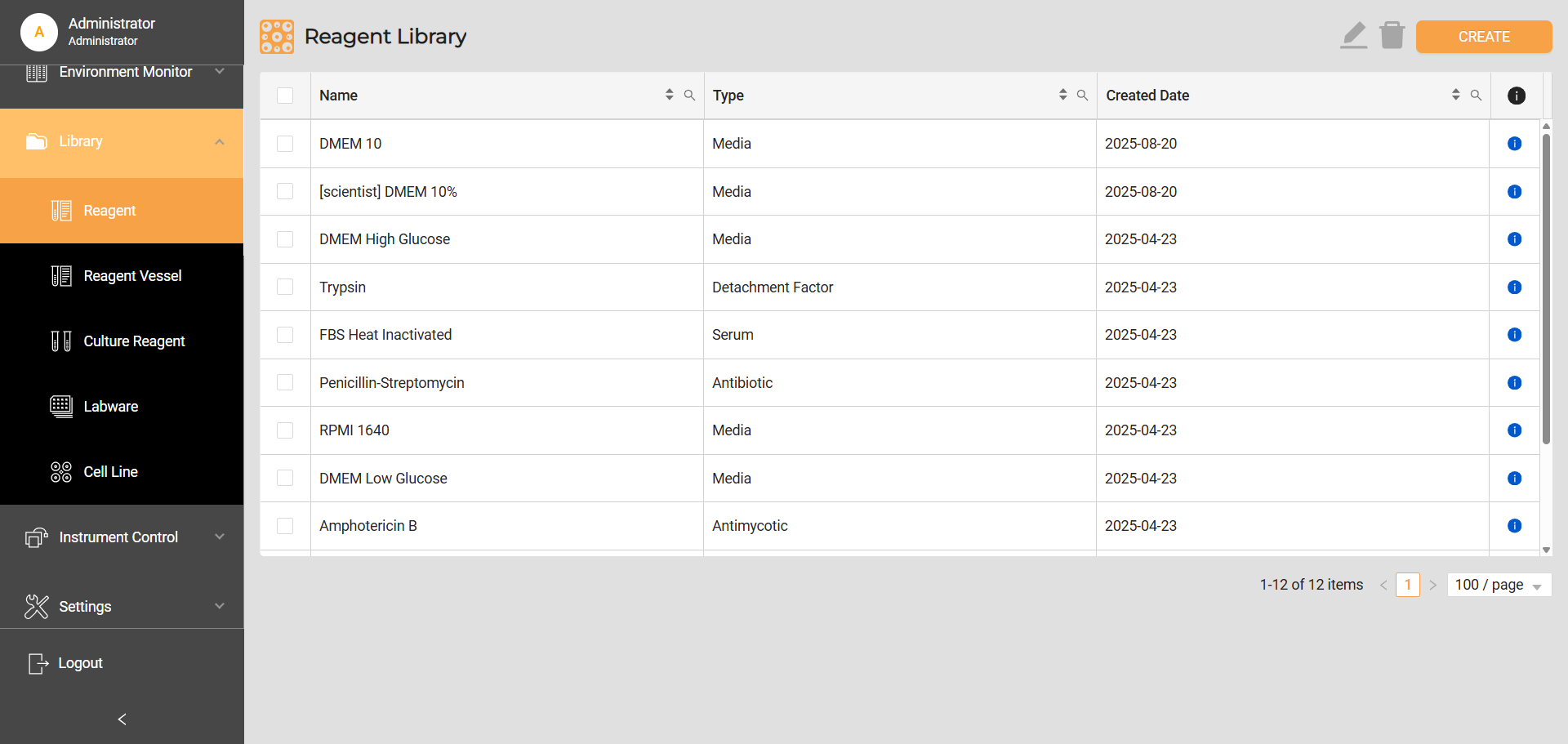
Reagent Library
To add a reagent to the Reagent Library:
Navigate to Library > Reagent, and click CREATE button on the top right corner.
On the Create Reagent page, write a descriptive name for the reagent and define the type by selecting it from the list.
Mark the Create culture reagent when you use the reagent as it is (without any additional ingredients) to make a culture reagent. This will also save the reagent in the Culture Reagent Library, a database of all the culture reagents you use.
Click SAVE to store the information and add the reagent to the library.
Related Topics